Orders In Seconds

Orders In Seconds | Order Management Software for B2B

Free eBook

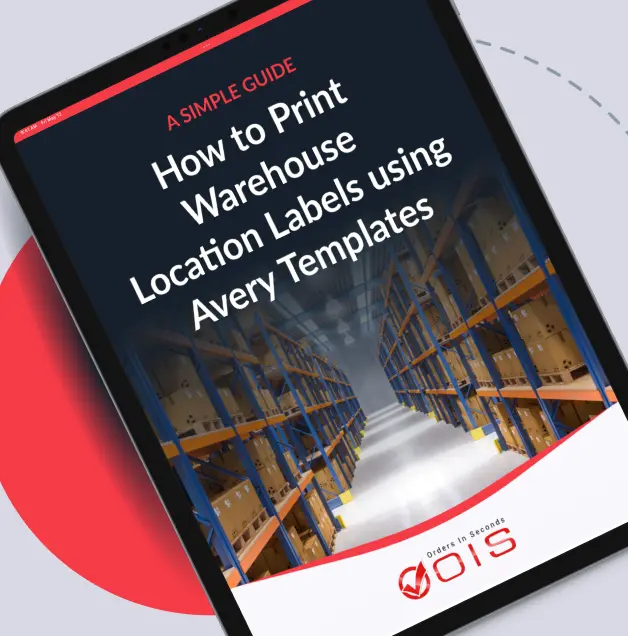
How to Print Warehouse Location Labels using Avery Templates

Want a more organized and efficient warehouse? This practical guide shows wholesale distributors how to use Orders in Seconds and Avery barcode labels to clearly identify every product warehouse location to streamline operations

Get Your Free eBook

We respect your privacy. Your Information is safe.

This guide includes:

Orders In Seconds | Order Management Software for B2B

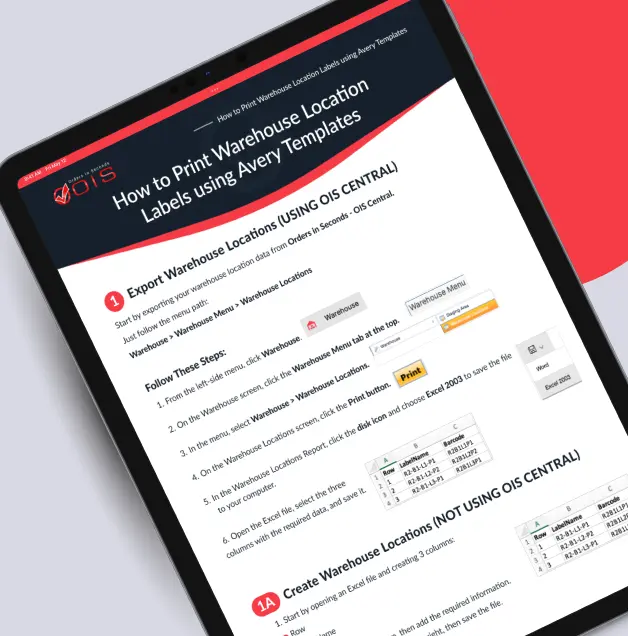
Step-by-step instructions

for applying the right Avery labels and barcodes to set up and manage product warehouse locations for all the warehouse racks.

Orders In Seconds | Order Management Software for B2B

Visual examples and photos

to guide label organization — follow along easily.

Orders In Seconds | Order Management Software for B2B

Simple printing workflow

follow the steps to format and print Avery labels quickly and reliably.

Organize Your Warehouse Locations with Barcode Labels

Let’s look at what’s inside this warehouse location’s labeling guide.

Managing warehouse locations can be challenging without a clear labeling system. This guide teaches you how to use Avery barcode labels to track products in different warehouse locations, reduce errors, and improve overall warehouse efficiency. Perfect for wholesale distributors and warehouse managers looking to streamline inventory management.

Download your free copy now and start improving warehouse organization today!

A SIMPLE GUIDE — How to Print Warehouse Location Labels using Avery Templates
Your Complete Step-by-Step Resource

Your Complete Step-by-Step Resource

Purpose & Preparation

Purpose & Preparation

Everything you need before you start printing.

Nine Easy Steps

Nine Easy Steps

From exporting warehouse data to printing finished labels.

Appendix A

Appendix A

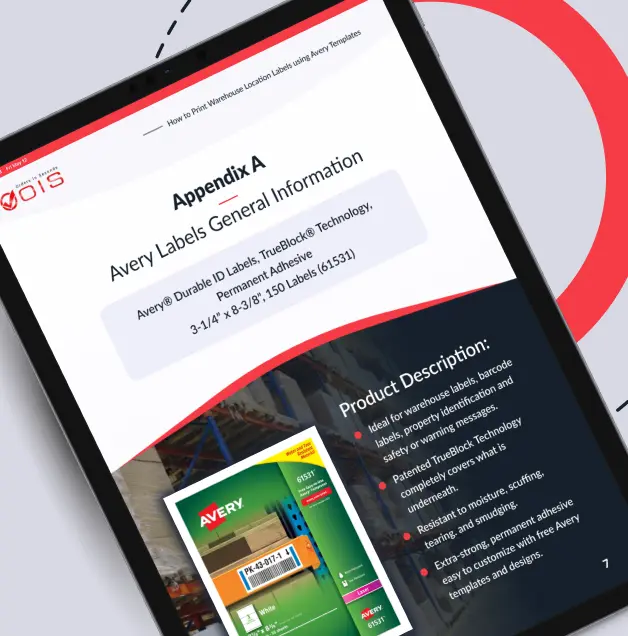
Avery label specs (Label 61531) and best practices.

Bonus Resource

Bonus Resource

“How to Label Warehouse Bin Locations” for standardized naming.

FAQs

This guide shows warehouse managers and wholesale distributors how to print warehouse location labels for the warehouse racks and staging areas using Avery templates. You’ll learn step-by-step instructions to create barcode labels that improve organization, efficiency, and inventory accuracy.

The ebook uses Avery Label 61531 with barcode capabilities. It also includes tips for customizing the labels and printing them on a standard laser printer.

No special software is required (If using OIS Central - follow instructions provided). You can use Avery Design & Print Online, which is free, along with standard tools like Excel and a laser printer. The guide walks you through every step, from exporting warehouse data to printing labels.

This guide is ideal for warehouse managers, wholesale distributors, and inventory staff who want to streamline warehouse operations. It’s perfect for anyone looking to create a clear labeling system with barcode functionality.

What Are You Waiting For?

Download your Free eBook Now and Take Control of Your Inventory Today!

This guide shows warehouse managers and wholesale distributors how to print warehouse location labels for the warehouse racks and staging areas using Avery templates. You’ll learn step-by-step instructions to create barcode labels that improve organization, efficiency, and inventory accuracy.

A SIMPLE GUIDE — How to Print Warehouse Location Labels using Avery Templates

Download Your Free eBook Today!